All Activity
- Past hour
-
 If you’re trying to do this as a registered user, you may have to activate the account first. In any case, these are the steps for setting that cookie. First thing, before you proceed. DO NOT use anonymous browsing for this part. You can go back to it afterwards. Be sure to do this from the main page: https://www.adult-fanfiction.org No matter WHICH browser, you must clear cache and cookies for ALL TIME. If you are using Apple products, you must clear cache in all your devices as the products link together. After doing the clear, close and restart your browser. Finally, you need to force refresh. (Press Ctrl+F5) That should fix the issues. You should be able to proceed once you do that. If you’re getting an error about activation, go to the register link and select the drop down option of “resend activation”. Remember, major software changes generally do require this sort of action. If, after all this, you’re still experiencing issues with the age verification, in Chrome/Edge, press F12 to access the console. You’ll see the exact error being generated. Let us know what it is. If you are experiencing bugs, please post them to the bug tracker. What we will need from you are specific steps you took to get the error, and screen shots if you are able. This will help in getting everything fixed, if there are bugs.
 - Today
-
46260
-
46259
-
46258
-
46257
-
 The age verfication is not working. Tried on chrome and saferia. Please fix this because this has been onging for more then a month.
 -
46256
-

Looking for anyfanfiction about drizzt do'urden and or jarlaxle and artemis
kagome26isawsome replied to a topic in Books
i dont know any other sites but here! sorry -
46255
-
 BronxWench reacted to a post in a topic:
A message to my fans
BronxWench reacted to a post in a topic:
A message to my fans
-
BronxWench reacted to a post in a topic:
A message to my fans
-
46254
-
I’m sorry you’ve had it rough this last little while.
- 1 reply
-
- 1
-
- Yesterday
-
… Both of them. Due to depression over current events and illness I have not even completed the first draft of the next installment in my Avatar Tales series. To show I’m still alive I did dust off and polish an original work I wrote long ago then posted it in the Originals section of the archives. The Virgin and the Unicorn https://original.adult-fanfiction.org/story.php?no=600110700 I have not dropped the series, just not been able to make the creative narrative flow. In it Suki utilizes Ty Lee to prove to Sokka she’s okay if he pokes another pussy.
- 1 reply
-
- 1
-
-
BronxWench reacted to a post in a topic:
Looking for anyfanfiction about drizzt do'urden and or jarlaxle and artemis
-
 BronxWench reacted to a post in a topic:
How to add a story?
BronxWench reacted to a post in a topic:
How to add a story?
-
Mischief managed. https://original.adult-fanfiction.org/story.php?no=600110700
-
46253
-
Story here: https://original.adult-fanfiction.org/story.php?no=600110700
-
Looking for anyfanfiction about drizzt do'urden and or jarlaxle and artemis
Guest replied to a topic in Books
Thank you it does but I am greedy is there anywhere else? Thanks again for your consideration -
46252
-
46251
-
Looking for anyfanfiction about drizzt do'urden and or jarlaxle and artemis
kagome26isawsome replied to a topic in Books
https://books.adult-fanfiction.org/index.php?cat=565 its in the books section under forgotten realms series! hope this helps!!! -
Yes, if you leave out something like the title, or the disclaimer, the software won’t create the story. It did give me a little message at the top, but I had to scroll back up to find it. Considering I usually require a clue-by-four to realize what I’ve done wrong, it was maybe a bit subtle?
-
Hot damn, it worked. I did those steps yesterday – it made the most sense – but I swear the add chapters section did not show up. I was expecting it there because the add or edit chapters links show up there when I was editing the stories I’d already entered. I don’t recall seeing the story created successfully! notice at the top of the page; perhaps there was some sort of glitch. When I was testing things I was not filling out the fields so I assume the software was refusing to create the story without important stuff – like the title.
-
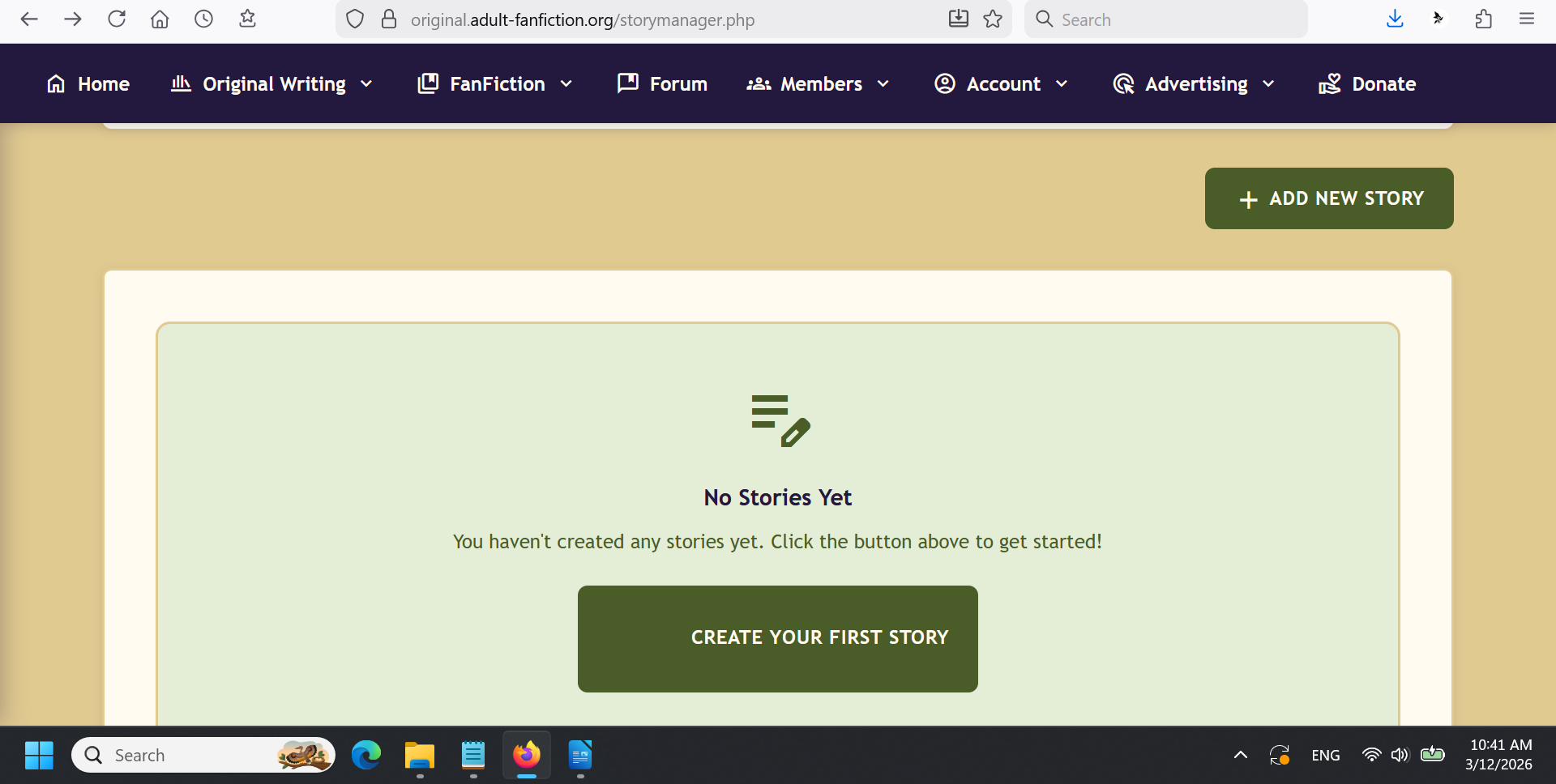
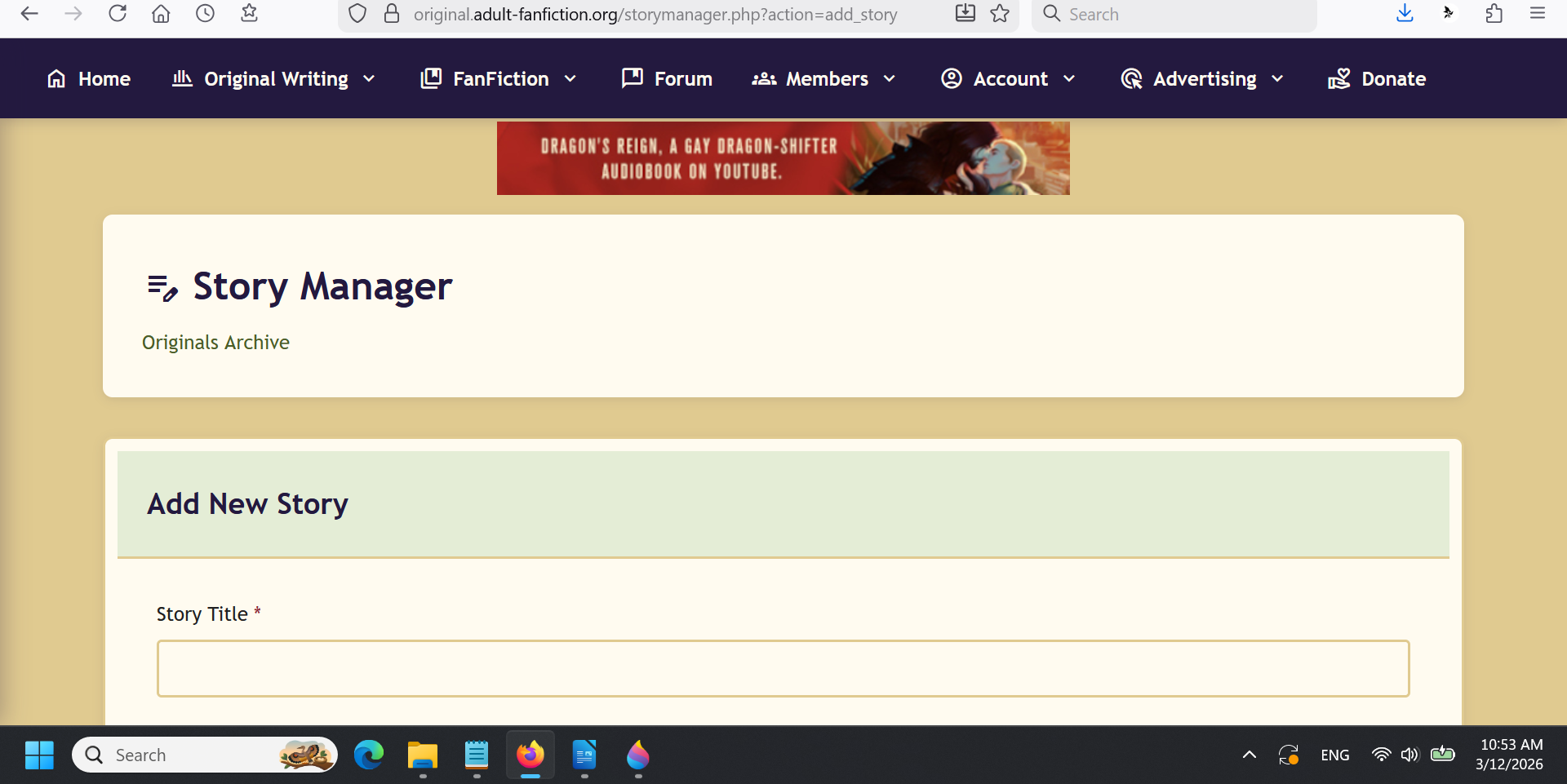
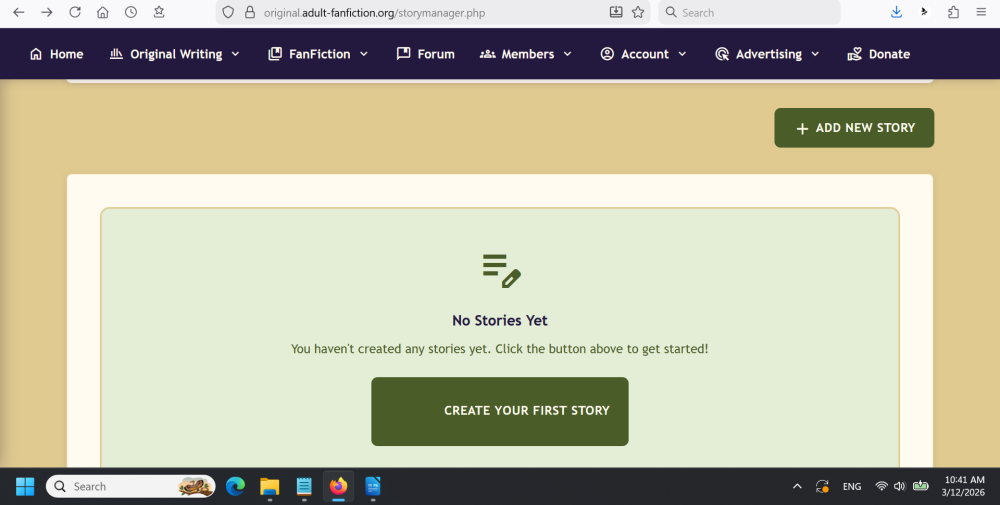
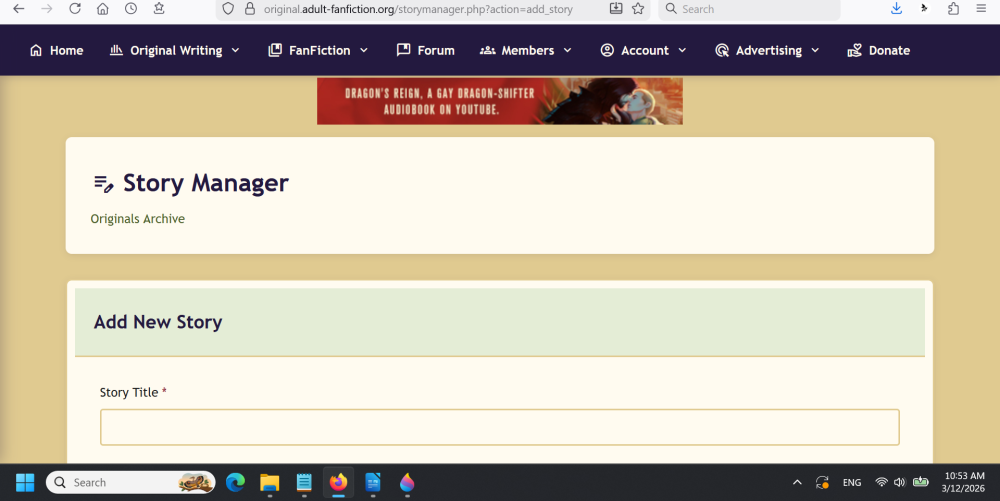
I’ve just finished updating the FAQ on how to add a story: https://www2.adult-fanfiction.org/forum/topic/63417-how-to-upload-a-story/ Yes, you click the CREATE YOUR FIRST STORY link, and it will take you to the section where you add the story details, like title, disclaimer, tags, and so on. At the very bottom, once you’ve input all that information, click CREATE STORY. It will look like it takes you back to the same page, but scroll down, and you’ll see a new bit, with a link to +ADD CHAPTER. Click that, and you will be brought to the text box where you can upload the story content for that chapter.
-
On entering the Originals story manager I do see the + Add New Story button. Since this is my first original it works, along with the larger Create Your First Story at the bottom to bring up the story entry screen. There I can name the story, choose the category, etc. Is this where the + sign is supposed to be? Because there is none. As the screen shot in the OP shows there is no field at the bottom to enter the text of the story. There is a Create Story button at the bottom but it seems to be the one to use to put the story into the archive, the same as Update Story when editing an existing story.
-
First thing, before you proceed. DO NOT use anonymous browsing for this part. You can go back to it afterwards. No matter WHICH browser, you must clear cache and cookies for ALL TIME. If you are using Apple products, you must clear cache in all your devices as the products link together. After doing the clear, close and restart your browser. Finally, you need to force refresh. (Press Ctrl+F5) Be sure to do this from the main page: https://www.adult-fanfiction.org That should fix the issues. You should be able to proceed once you do that. If you’re getting an error about activation, go to the register link and select the drop down option of “resend activation”. Remember, major software changes generally do require this sort of action. If, after all this, you’re still experiencing issues with the age verification, in Chrome/Edge, press F12 to access the console. You’ll see the exact error being generated. Let us know what it is. If you are experiencing bugs, please post them to the bug tracker. What we will need from you are specific steps you took to get the error, and screen shots if you are able. This will help in getting everything fixed, if there are bugs.
-
In the upper right corner, you’ll see a “+” sign. That’s where you add a chapter. When you are in the category you want to publish to, select the add button in the upper right corner, where you find your edit buttons. Once you add the story, underneath all the linkage and whatnot, you’ll find the field to add your first chapter. Once you add your first chapter, you can update and add more chapters.