All Activity
- Past hour
-
 Hi there, this would be my initial experience sharing on this forum. I’ve been browsing a lot of the posts and I’m honestly pleased with how much helpful and detailed content people share. It’s great to see a forum where members truly make an effort to break things down properly. I’m still figuring out how everything is set up, but so far this looks like a solid place to pick things up. I have recently been learning about this recently. https://www.tumblr.com/southwestspasaz/803688761366085632/arizona-hot-tub-maintenance-tips-for-year-round [url=https://www.experttaxinc.com/cfoservices.php]Nice to come across a forum like this. It’s nice to see a place where people take the time to share helpful information.[/url] 7beb92_
 -
- Today
-
46072
-
46071
-
46070
-
46069 (hahahahaha 69)
- Yesterday
-
46068
-
46067
-
46066
-
46065
- Last week
-

My experience with the age verification.
DemonGoddess replied to WarrenTheConey's question in Bug Tracker
It sounds like in your Chromium based browser, you allowed the new cookie to be set. Whereas in Firefox you have not. -
the link you provided for the home page is actually almost the url for the forum. Just missing the last part.
-
And now I have Posted this it has started Working after not working for about 3 Days
-
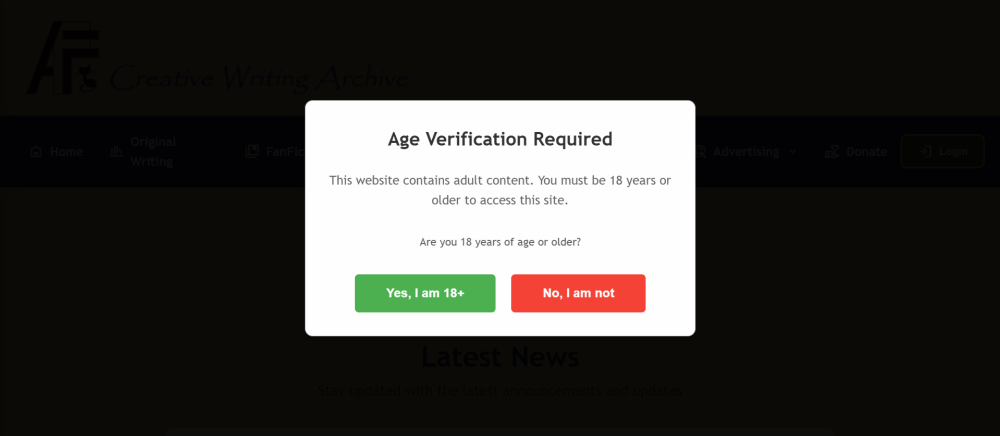
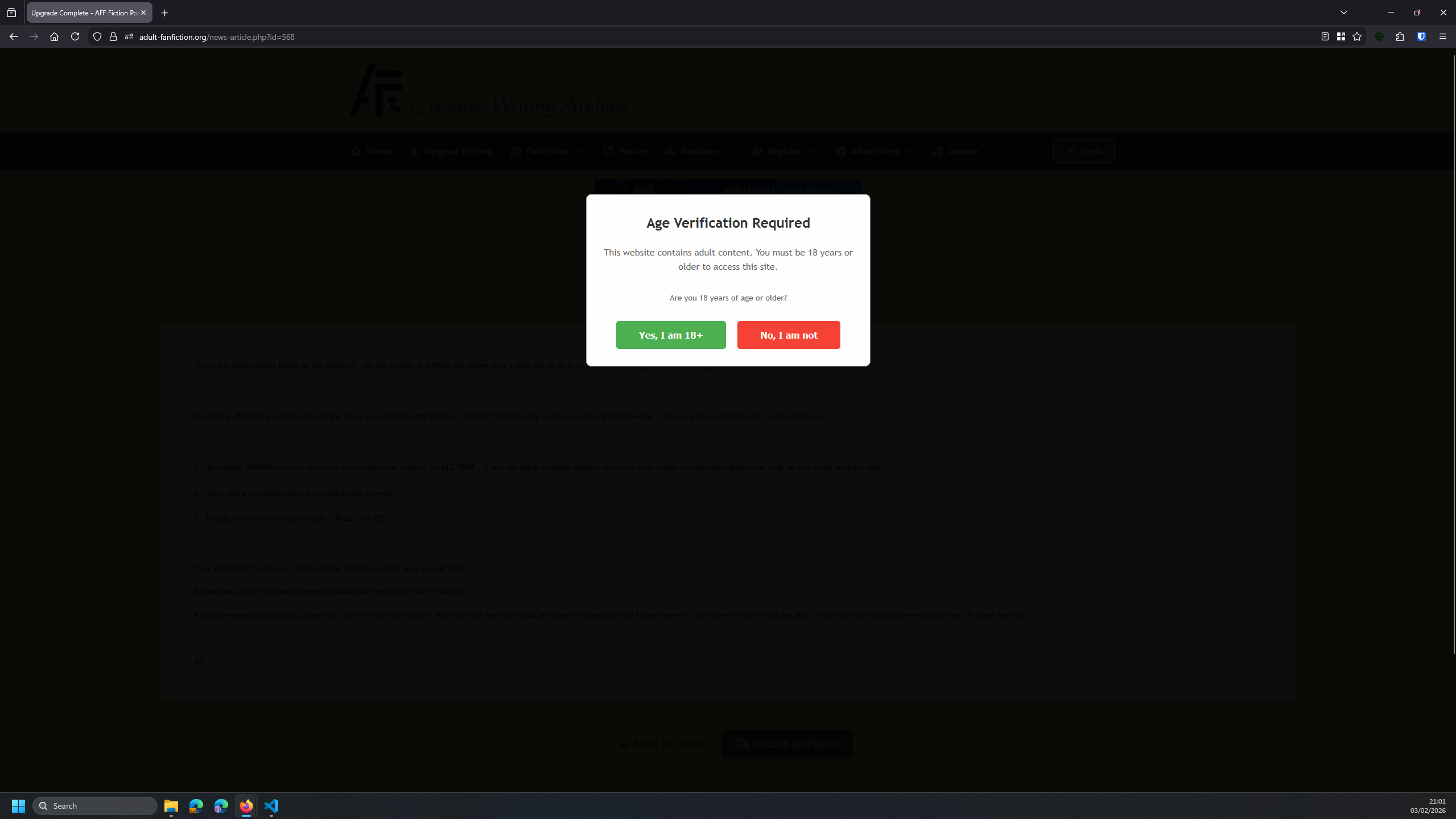
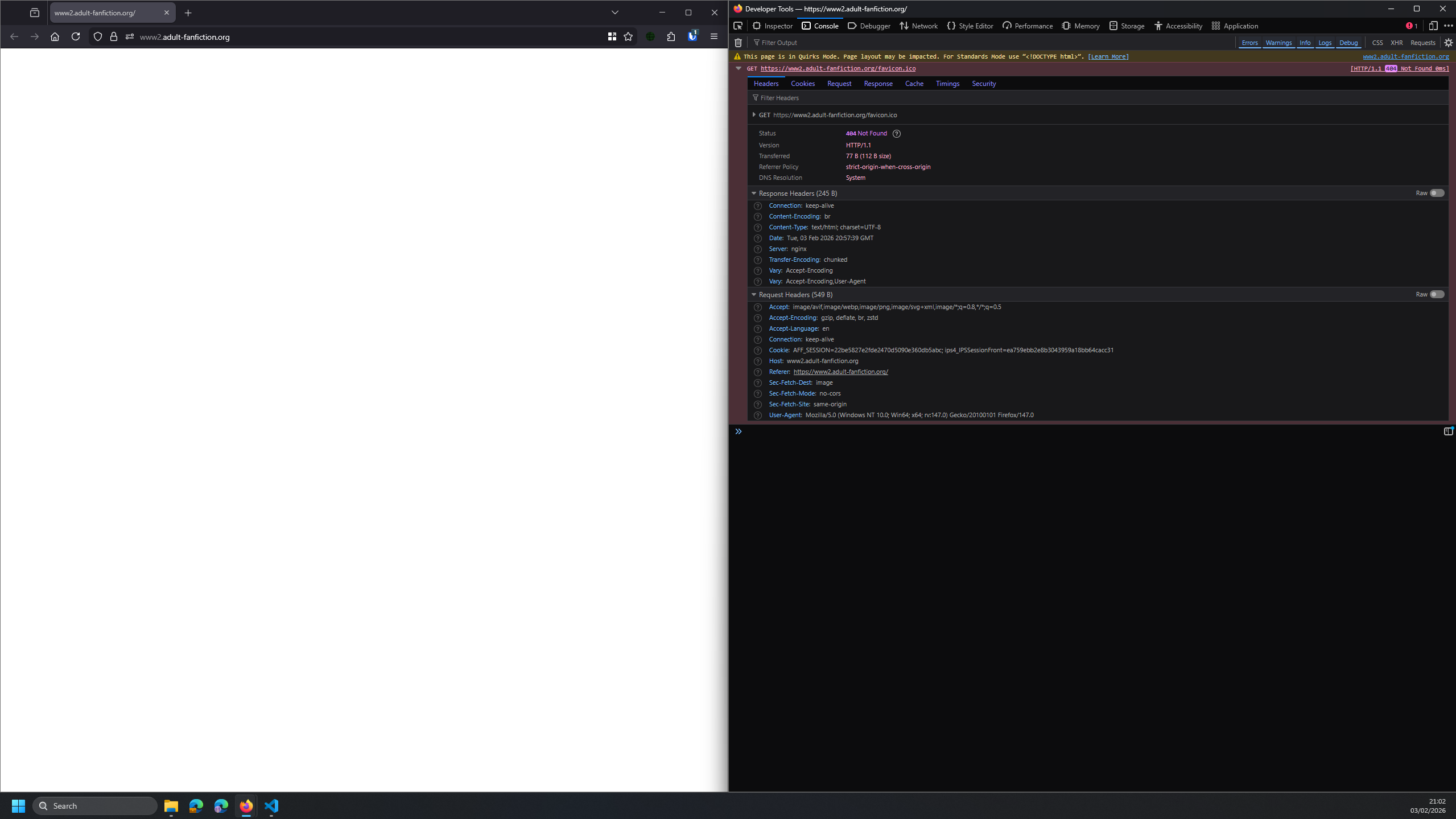
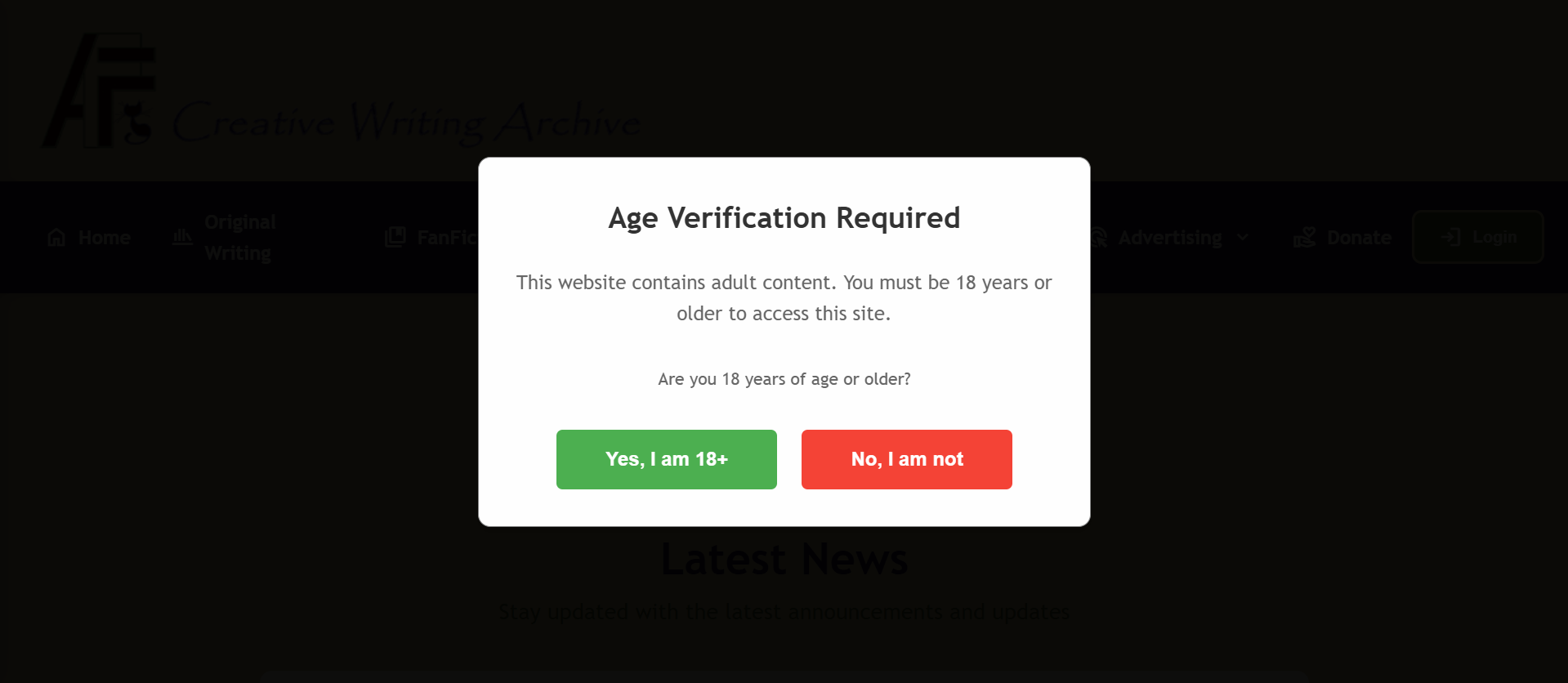
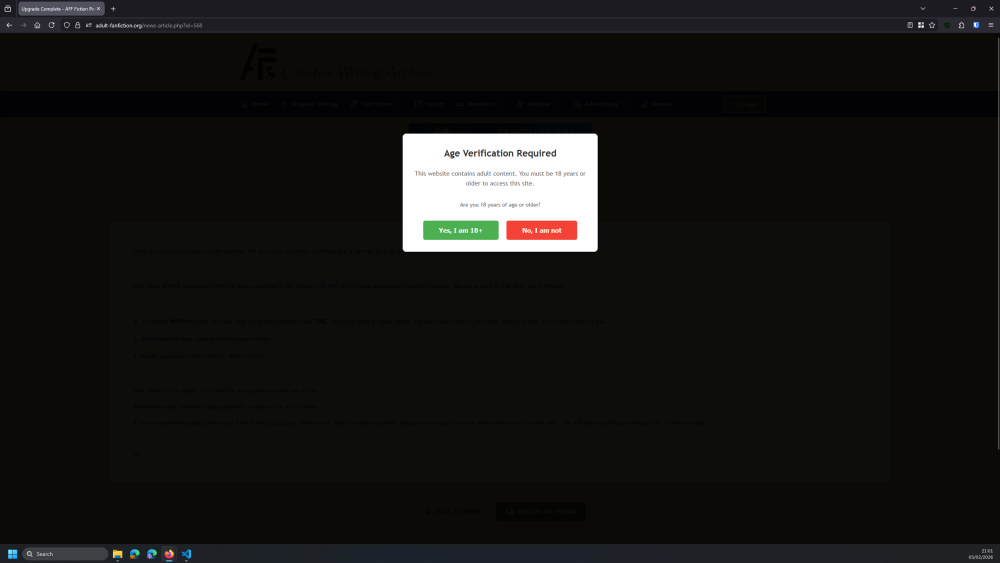
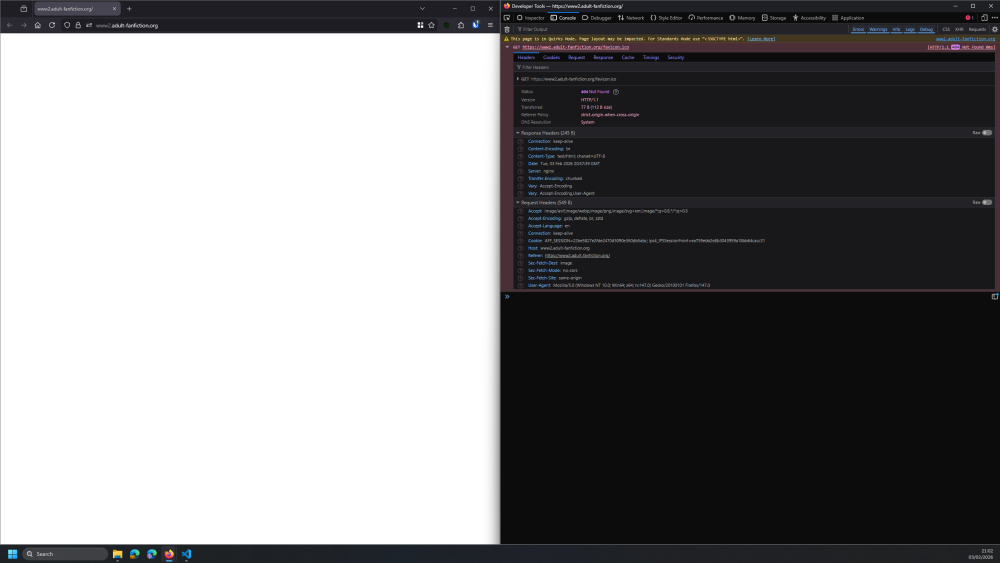
I cannot access any page on the site (Forum is working Fine), I re-installed my Computer Sunday 2nd February 2026 and Get the same Issues on both Firefox and Edge I get the Age Verification Required popup and no matter how much I try clicking the “Yes, I am 18+” Green button it just reloads the Page with the same popup, https://adult-fanfiction.org/news-article.php?id=568 If I try the Home page i just get a blank page, https://www2.adult-fanfiction.org/ The Only error is Missing Favicon

-
You are very welcome!
-
 BronxWench reacted to a post in a topic:
Trouble with log in
BronxWench reacted to a post in a topic:
Trouble with log in
-
JayDee reacted to a post in a topic:
Trouble with log in
-
WarrenTheConey reacted to a post in a topic:
Trouble with log in
-
I've logged in successfully, thank you very much BronxWench.
-
I’ve activated the account for you. Give it a try with the instructions posted above, and it should work.
-
I think I'm having the same log in problem as those above. "Please activate your account first. Check your email for the activation link." Thanks in advance.
-
Just posting my experience with the age verification from the Archive. I hope the extra information can help squash bugs. -- On my Chromium based browser, I can click and pass the age verification without any problem, regardless of settings. -- But on my two different Firefox based browsers, I get stuck on the age verification; unless I hit under 18, which sends me to google. If I go through the Forum first, and then use a link that takes me directly to, "https://www.adult-fanfiction.org/", I can click the age verification and enter the site, regardless of my browser or settings. -- Going through the Forum first, then using a link from in the forum, is the only way I can get into the Archive, when using a Firefox based browser.
-
46064
-
46063
-
46062
-
46061
-
@ShadowGamer You have two accounts using the same email. The system does not allow for multiple accounts using the same email address, so you will need to pick one. I will then activate that account, and delete the remaining account. Once we’ve sorted that out, the instructions to clear that particular issue are as follows: First thing, before you proceed. DO NOT use anonymous browsing for this part. You can go back to it afterwards. Be sure to do this from the main page: https://www.adult-fanfiction.org No matter WHICH browser, you must clear cache and cookies for ALL TIME. If you are using Apple products, you must clear cache in all your devices as the products link together. After doing the clear, close and restart your browser. Finally, you need to force refresh. (Press Ctrl+F5) That should fix the issues. You should be able to proceed once you do that. If you’re getting an error about activation, go to the register link and select the drop down option of “resend activation”. Remember, major software changes generally do require this sort of action. If, after all this, you’re still experiencing issues with the age verification, in Chrome/Edge, press F12 to access the console. You’ll see the exact error being generated. Let us know what it is. If you are experiencing bugs, please post them to the bug tracker. What we will need from you are specific steps you took to get the error, and screen shots if you are able. This will help in getting everything fixed, if there are bugs.
-
Why am I getting this error ? Make it stop !